
Table of Contents
Latest Instagram filters for Stories?
- We will talk to you about Instagram filters that you can use in Instagram stories.
- Technically, there is only one type of filter for these stories, and they are already an unknown feature.
- But then we also have the effects, which could also be considered a type of filter.
- To avoid confusion and help you make the most of both concepts
- we will start with a simple introduction in which we explain the differences between filters and effects
- Then we will give you a step-by-step guide on how to use both.
- You will see that filters are elementary, but you will need a further step with the effects.
Filters and Effects
- We are going to start the article by differentiating the filters and effects of Instagram stories.
- The filters are the classic ones, the simple ones, those that come directly from the simple filters of regular Instagram posts.
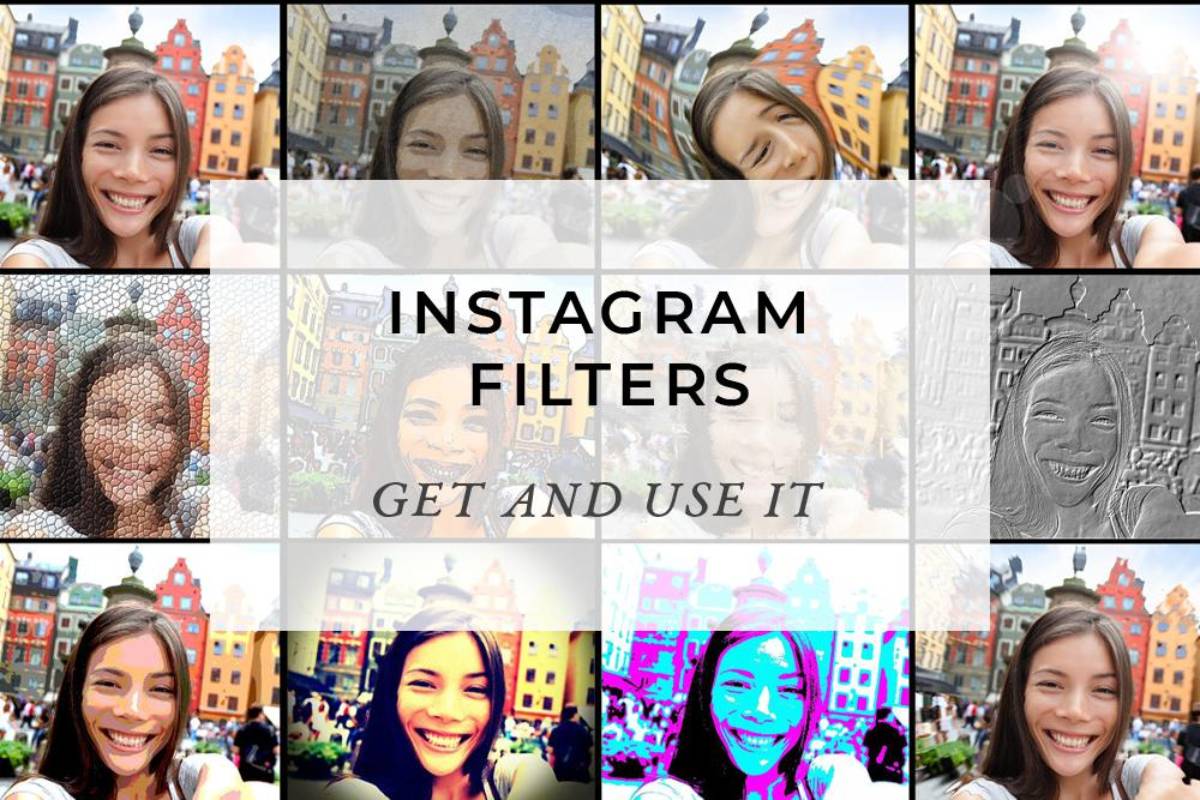
- Instagram filters do not modify what is in the photo; they only filter it to change aspects related to their looks and colors.
- Meanwhile, the effects of the Stories do modify the photos you can make your face look different
- Put on a hat or make your face open or look like an alien. They are just that, effects that modify the photos.
- The point is that in the effects catalog, you can also find filters.
- We already told you in its day how to create Instagram effects
- Filter creators can decide what modifications to make to your face when you apply a product or if you want to put a filter to change the colors.
- Another difference is that, in general, you will be able to use effects from external creators, not just those from Instagram.
- At the same time, native filters for stories by Instagram, and you cannot put others created by third parties.
Using Instagram Stories Filters
- Using filters for Instagram stories, you must take or choose a photo or video to create Stories.
- You will go to the story editing screen once you take the photo or video or choose one from your gallery.
- In it, slide the screen to the left or right.
- The filter collection is small and rotatable, which means that when you go from the last one
- You will automatically return to the first one without having to swipe in the other direction.
- Choose the filter you want and publish your story.
Using Instagram Stories Effects
- You will need to take a few more steps using effects in Instagram stories, but the principle is the same.
- First, you have to take or choose a photo or video in the process to create Stories.
- Once you take the photo or video or choose one from your gallery, you will go to the story editing screen.
- In it, click on the effects button at the top of the screen. It is the one with the icon of a face with two stars.
- When you click on the effects icon, several will appear at the bottom of the screen
- That you can alternate between to see the effect they have on your photo or video or directly on the camera before taking your photo to the stories.
- Click on any of the effects, and you will see how a window opens with a series of options related to it.
- In this window, click on the Explore effects option that will appear with a magnifying glass icon.
- You will arrive at the Effects Gallery, where you have to click on the effect or filter you want to use.